The free Chrome extension that transforms how you work. 8 smart layouts, focus effects, and spotlight mode — organize your browser in one click.
Experience the transformation from chaos to perfect focus
Powerful features designed to eliminate distractions and boost your productivity
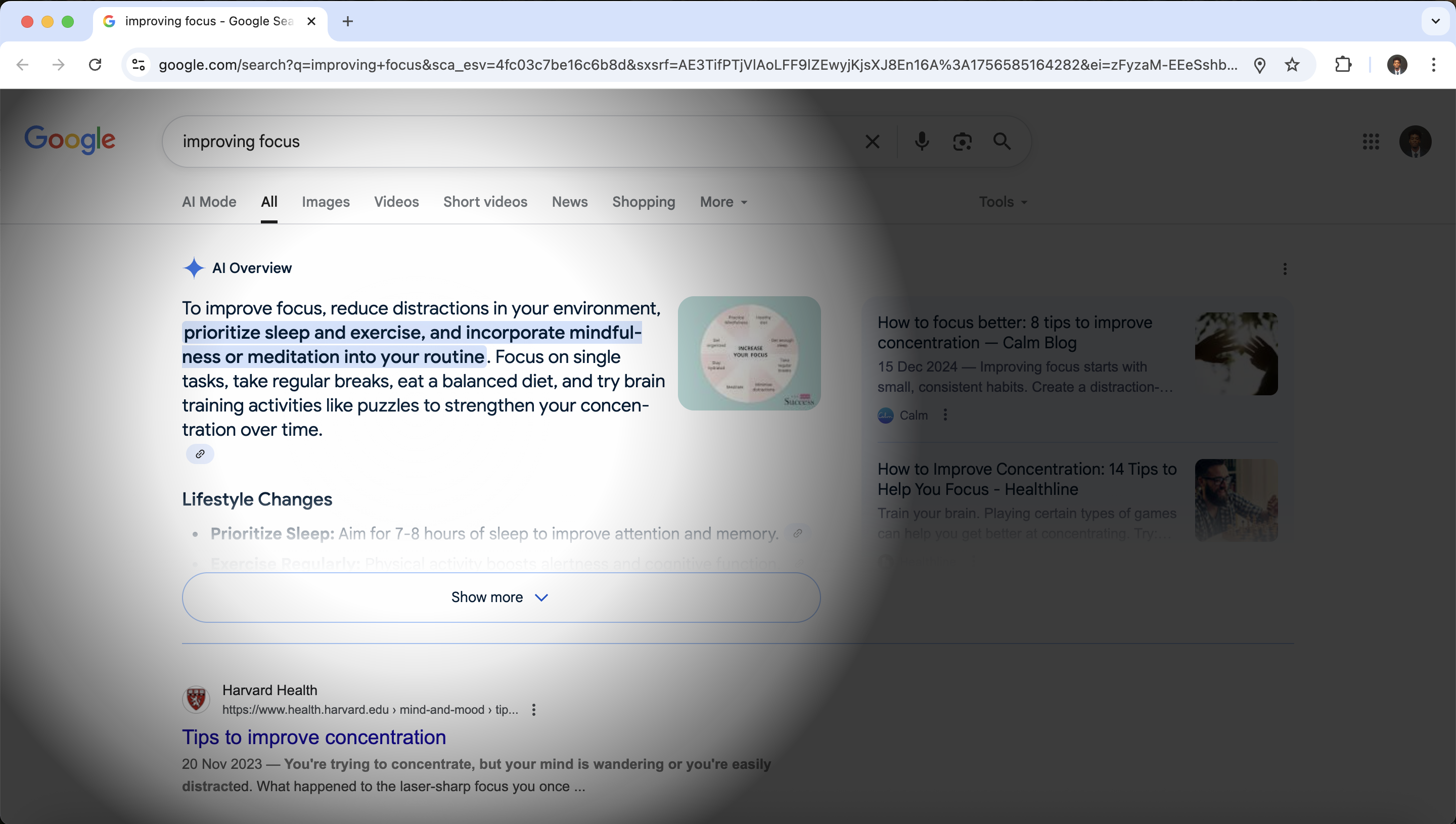
Your active window gets a beautiful glowing border while inactive windows automatically fade into the background. No more hunting for the right window—your focus is instantly drawn to what matters.
Everyone focuses differently. Mosaic gives you precise control over blur intensity, dimming levels, and focus effects. Find your perfect balance for maximum productivity with instant preview.
Transform your workspace with spotlight focus—a powerful feature that creates a focused beam of attention around your active window. Background content fades into darkness while your current task stays crystal clear.
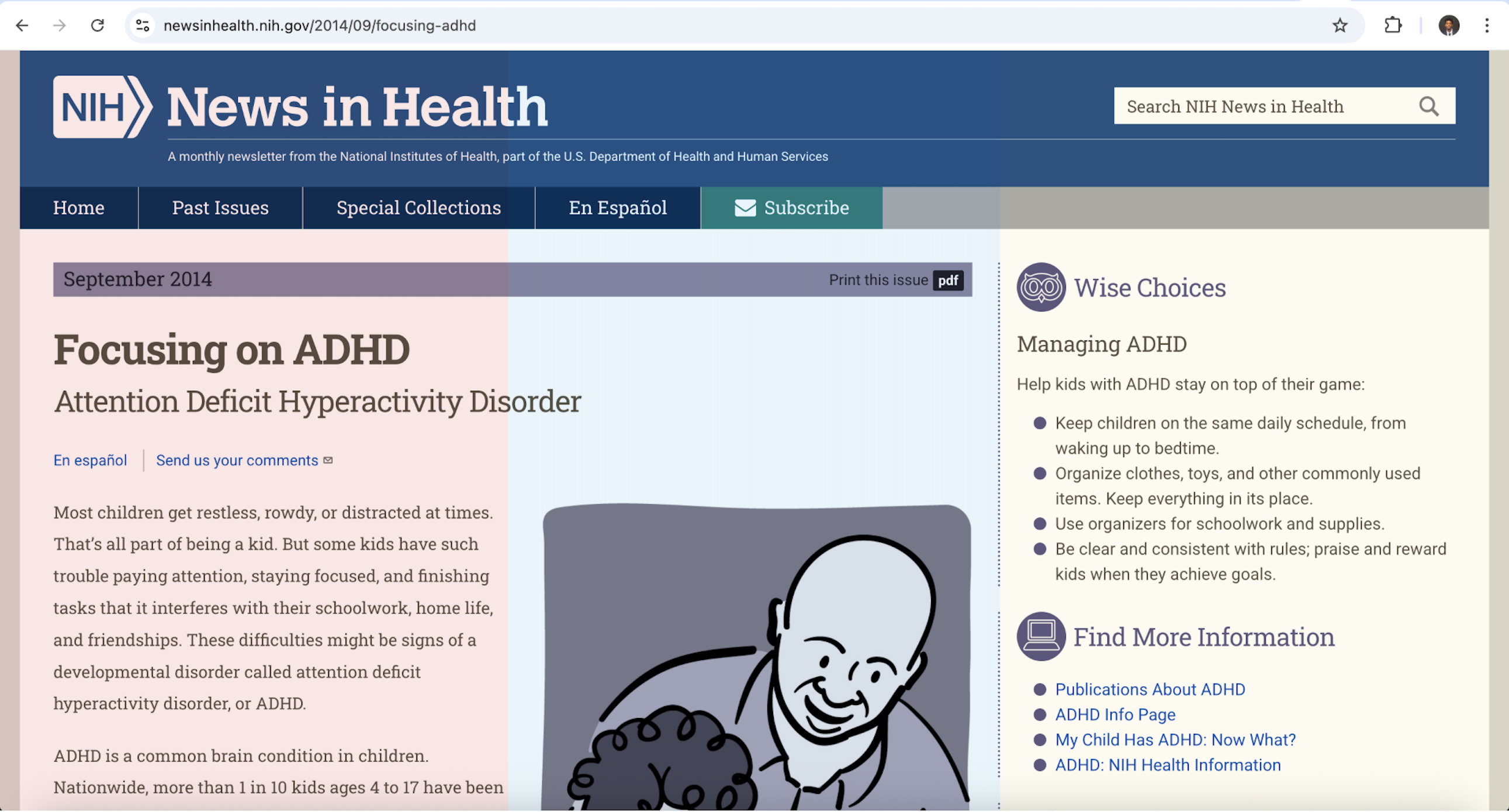
Transform any webpage with scientifically-calibrated color overlays that reduce eye strain and enhance reading focus. Choose from 9 carefully selected tints with adjustable intensity.
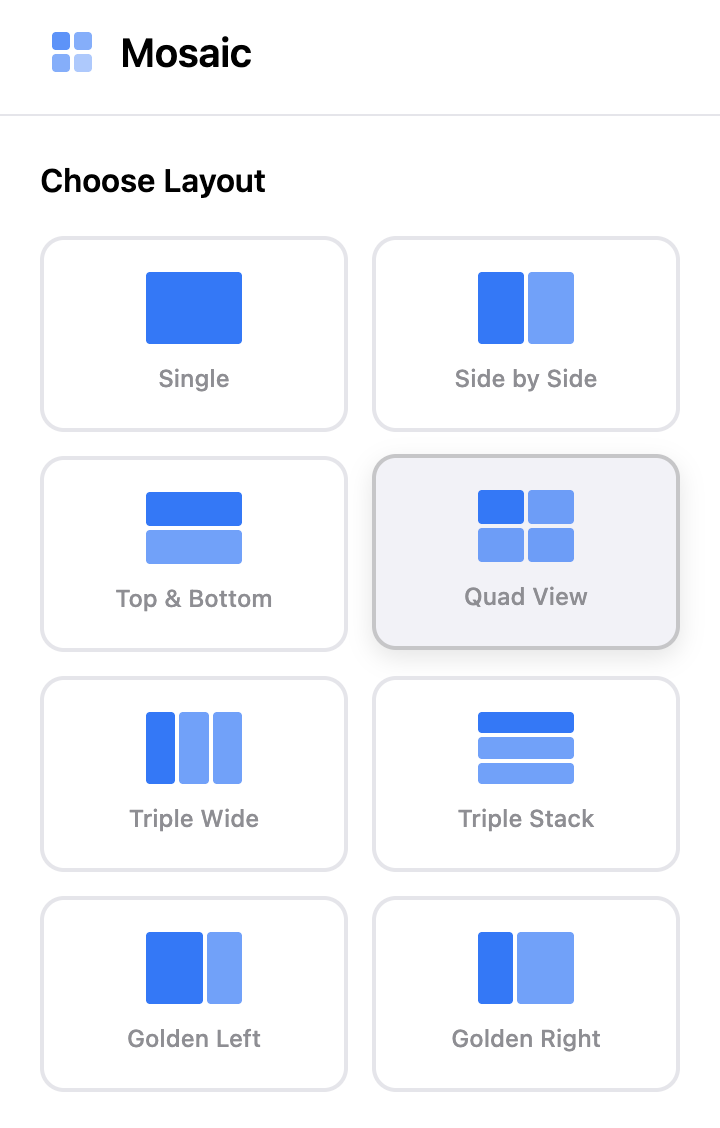
Eight scientifically-designed layouts that adapt to your workflow. From deep focus to multitasking mastery.
Switch between layouts instantly with keyboard shortcuts. Each layout is mathematically optimized for different types of productivity work.
Perfect 61.8% / 38.2% division. Ideal for research, writing, and reference work. Based on nature's most pleasing proportions.
Four equal windows for maximum multitasking. Perfect for monitoring, comparing, and managing multiple projects simultaneously.
Three horizontal panels perfect for timeline work, code reviews, and sequential workflows that need vertical scrolling.
Single window, maximum concentration. Eliminates all distractions for deep work, writing, and intensive focus sessions.
Two equal windows positioned side by side. Perfect for comparing documents, coding with preview, or working with dual content streams.
Three vertical columns for maximum information density. Ideal for monitoring multiple data streams, comparing three documents, or advanced multitasking.
Join productivity enthusiasts who transformed their browsing experience
"One of the best productivity tools I've ever used! The focus effects are game-changing for my ADHD."
"AMAZING. I cannot thank whoever created this enough. It's changed my workflow completely!"
"Great extension with lots of helpful features. Most of all it is free! Perfect for students."
"Have been looking for this kind of app for years! This is the best and very easy to use."
"Amazing app! Quite useful while studying and reading articles. The blur effects help me focus."
"Obsessed with this! The customization options are incredible—exactly what I needed."
All features are free — no subscriptions, no payments, no limits
All features included at no cost
Everything you need to know about Mosaic
Mosaic is a Chrome extension that automatically organizes your browser windows into perfect layouts. Simply install the extension, choose your preferred layout, and Mosaic will intelligently arrange your windows with focus effects to help you concentrate better.
Yes! Mosaic is completely free. All features are available immediately including all 8 layouts, spotlight focus mode, Color Studio, and all fonts. No trial period, no subscriptions, and no payment information required.
Yes! Mosaic works with any website or web application. The extension manages browser windows at the system level, so it's compatible with all sites including Google Docs, Notion, GitHub, social media, and more.
Your privacy is our priority. Mosaic stores all settings locally on your device and never accesses your browsing data or website content. We don't collect or share any personal information.
No! Mosaic is designed for performance with minimal resource usage. It only activates when needed and doesn't impact your browsing speed or memory usage.
Mosaic includes intuitive keyboard shortcuts for instant layout switching, focus toggling, and window management. All shortcuts are customizable in the extension settings.
The Golden Ratio layout is perfect for coding with documentation, while Side by Side works great for code and preview. Triple Wide is ideal for monitoring multiple development tools.